Why I Start Every Project Away From the Screen
Before I open any design software, I spend time with paper, questions, and references. Here is why that first stretch of slow, offline work shapes everything that comes after.
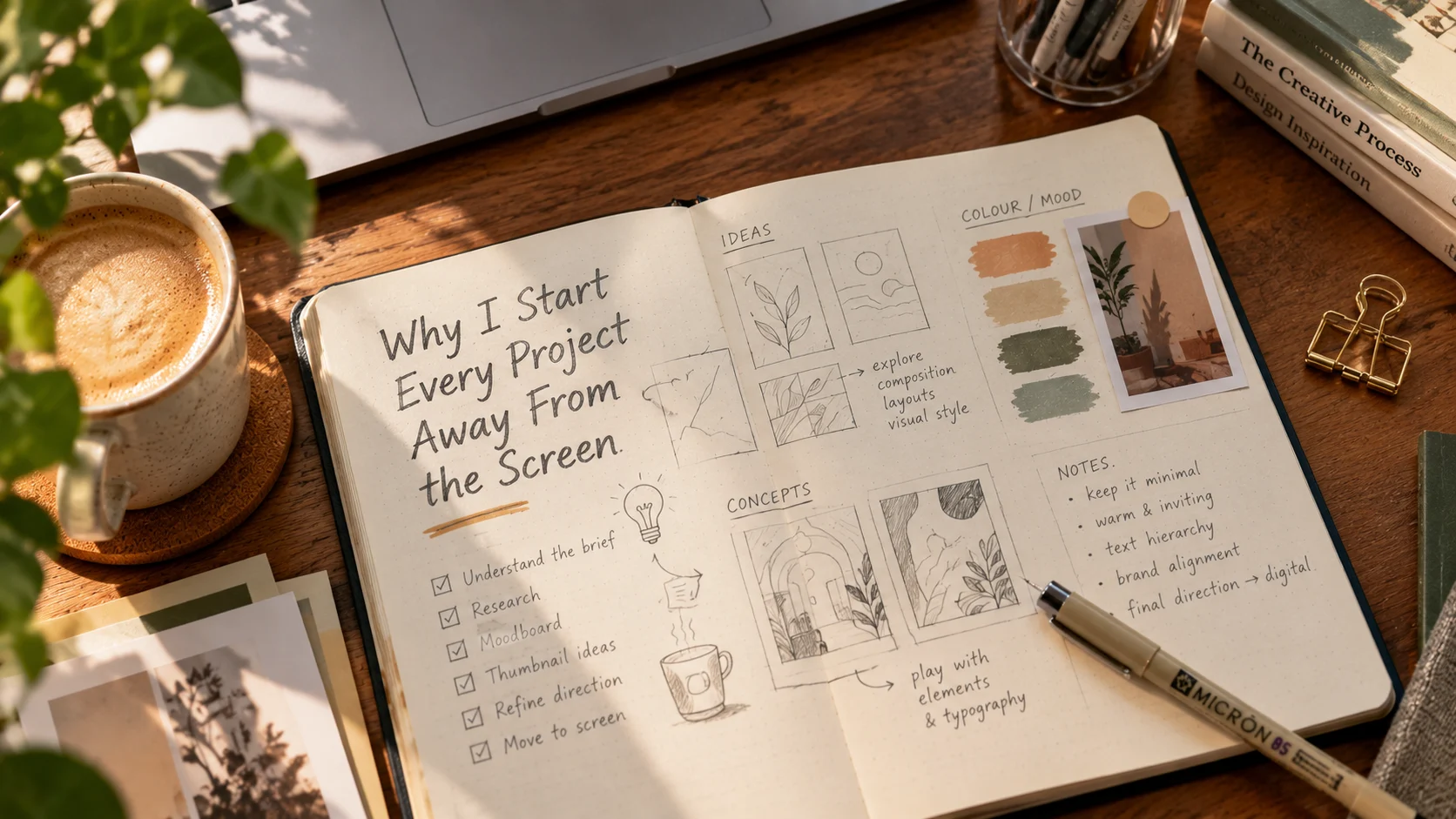
Every project I take on begins the same way: with a pen, the cheapest paper I can find, and no screen in sight. It can look like a slow way to start. In practice it is the step that saves me the most time later.
The screen makes you commit too early
The moment a layout exists on a screen, it starts to feel finished. A font has been chosen, colours are set, and everything is aligned. Even if the idea is weak, it now looks professional enough that I hesitate to throw it away.
Software also pulls you toward what it makes easy. Familiar tools, default settings, and favourite fonts quietly steer you toward work you have already done before.
Paper has no such pull. A rough sketch looks rough, so it never fools me into thinking an idea is better than it is. A bad idea costs nothing, which means I can have a lot of them.
Step 1: Understand the problem
Before I draw anything, I write. I want to know what the project actually needs to do, and I ask a few questions every time:
- Who is this for, and what are they doing when they see it?
- What should they feel in the first three seconds?
- What is the one thing they must remember?
- What would make this project a failure?
I answer these in plain words, not design language. If I cannot explain the project in one clear sentence, I am not ready to design it. A beautiful layout that answers the wrong question is still the wrong layout.
Step 2: Gather references, but look outside the category
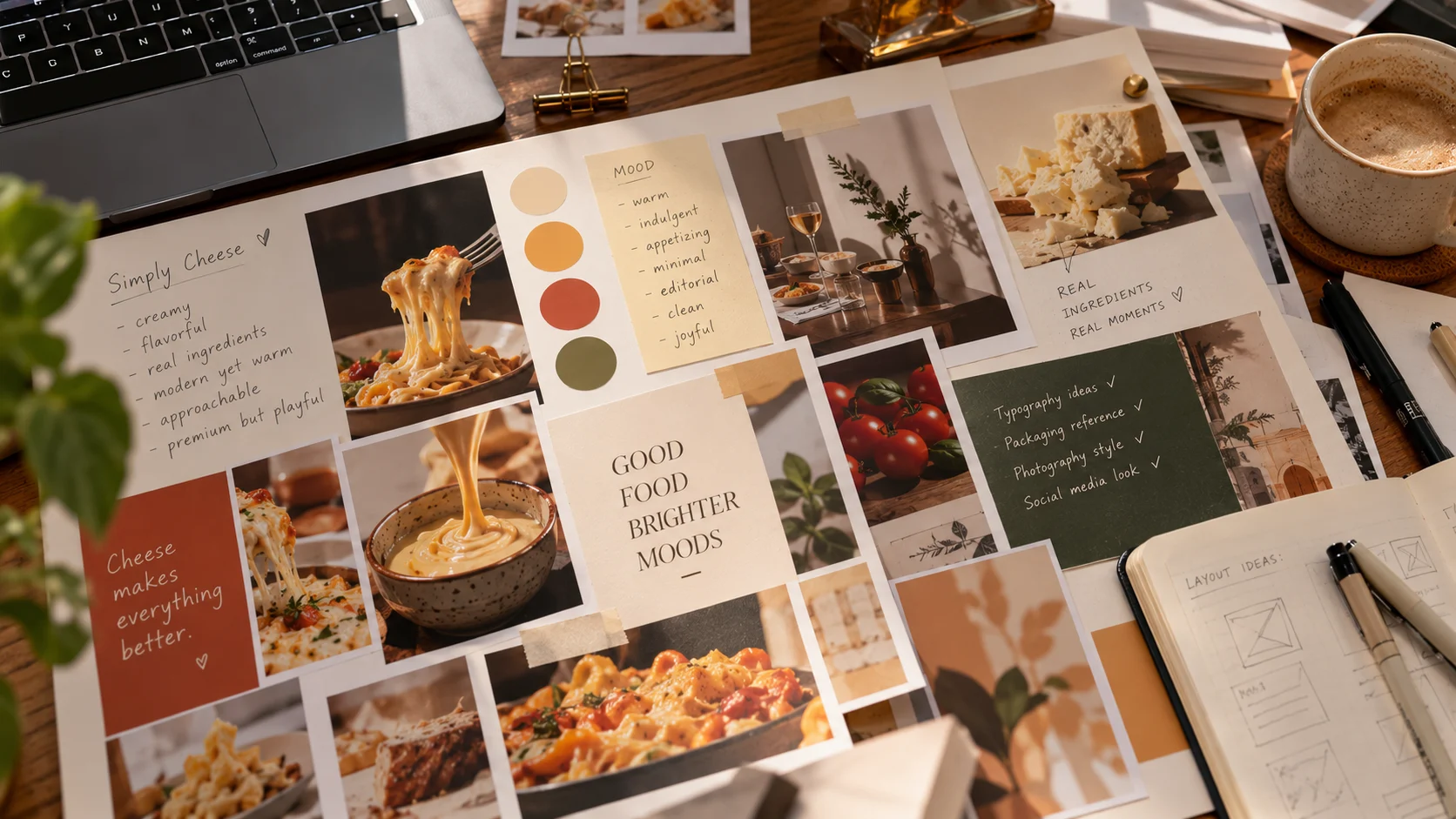
Next I collect references. The rule I follow is to look away from the obvious.
If I am designing for a food brand, looking only at other food brands gives me a version of what already exists. So I look at old posters, architecture, book covers, textiles, signage, and packaging from unrelated industries. I am not copying anything. I am collecting a mood, a texture, a way of using space.
I keep the references to a small board, not a folder of hundreds. Too much input makes me imitate. A small, chosen set makes me think.
Step 3: Sketch fast and without judging
Then come the thumbnails: small, quick sketches, about the size of a postage stamp. I set a target of at least ten and try to finish them quickly.
Speed matters here. When I draw slowly, I start editing myself and polishing the first idea. When I draw fast, I get past the obvious ideas and into the unexpected ones.
A few habits help:
- Draw the same layout in several different ways
- Exaggerate scale, making something far too big or far too small
- Try the opposite of what feels natural
- Do not erase, just start a new thumbnail
Most of my sketches are bad, and that is the point. The good idea is usually somewhere between the fifth and the fifteenth.
Step 4: Choose, then test
I step back and pick the two or three strongest thumbnails. I ask whether each one answers the sentence I wrote at the start. If a layout is clever but does not serve the message, it goes.
The best idea is not the most impressive one. It is the one that solves the problem most clearly.
Sometimes I ask someone else to look at the sketches. If they understand the idea in a few seconds from a rough drawing, the idea is strong. If I have to explain it, it needs more work.
Only then, the screen
When I finally open the software, I am not searching any more. I already know the direction, the hierarchy, and roughly what the layout should look like. The computer becomes a place for refining, adjusting spacing, tuning colour, and setting type, instead of a place for wandering.
This changes the quality of the work. I make fewer random decisions, I revise less, and I can explain every choice in the final design.
What it changed for me
Working this way has given me three things:
- Better ideas. Because I explore many options before committing, the final concept is rarely the first one that came to mind.
- Faster projects. An hour of thinking at the start saves several hours of revisions later.
- Easier conversations with clients. I can show the reasoning behind a design, not just the result.
Try it on your next project
You do not need special tools. Take one sheet of paper and write down what the project needs to say. Draw ten tiny sketches in ten minutes. Pick the best one, and only then open your software.
You may find, as I did, that the screen works better when it is no longer where the thinking happens.