My Design Toolkit: The Tools I Use and What I Use Them For
A look inside my everyday design setup, from Photoshop and After Effects to AI assistants like ChatGPT, Claude and Gemini, and what each tool is best at.
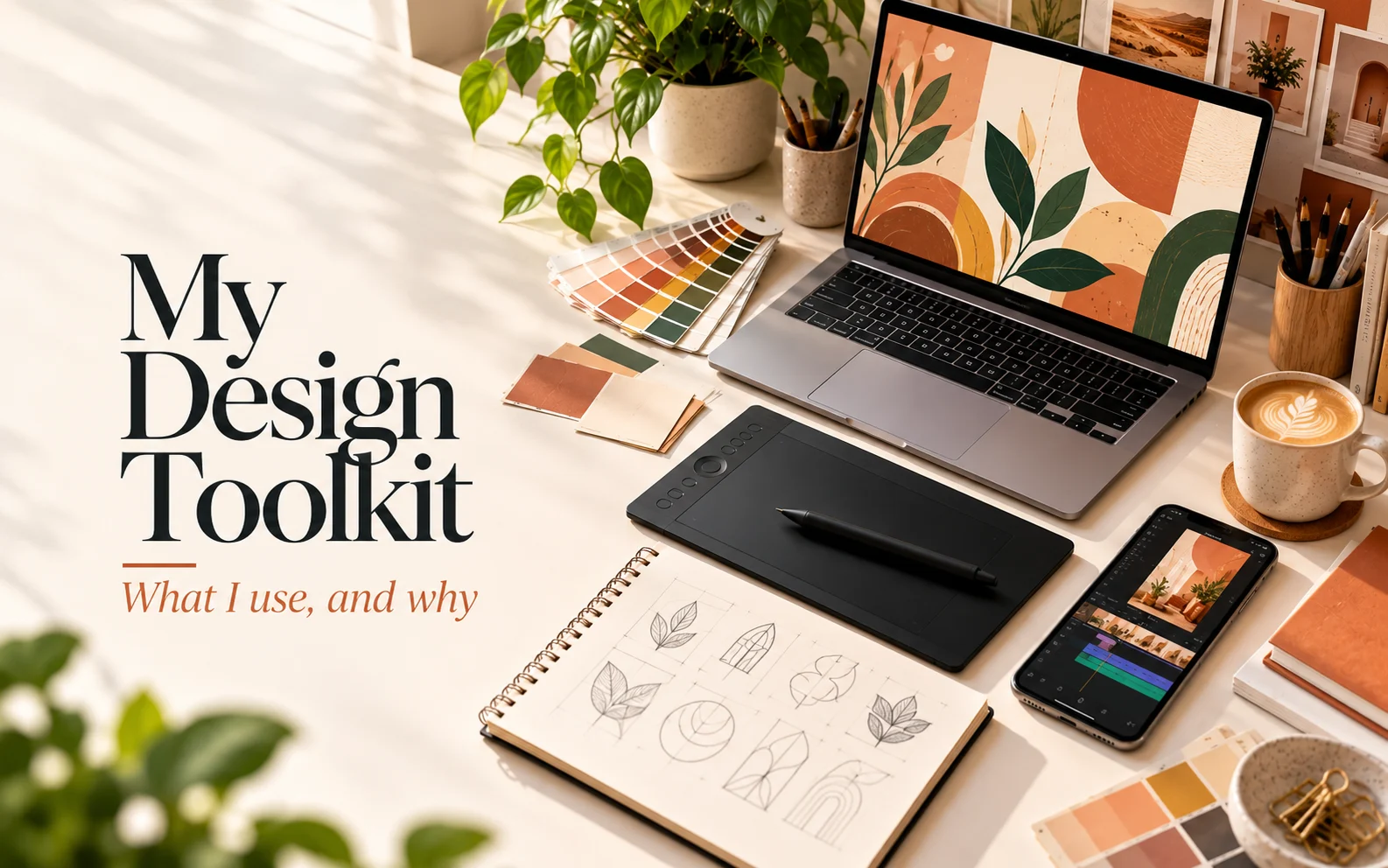
People often ask me, "Which software do you use?" The honest answer is: it depends on the job. Every tool is good at something different, and picking the right one saves hours.
Here's my everyday toolkit — and exactly what I use each tool for.
Adobe Illustrator — logos, icons and anything that needs to scale
Illustrator creates vector graphics, which means they stay sharp at any size — from a business card to a building-sized banner.
I use it for:
- Logos and brand marks
- Icons and illustrations
- Packaging dielines and label layouts
- Large-format print like flex banners and backdrops
Rule of thumb: if it needs to be printed big or reused for years, it starts in Illustrator.
Adobe Photoshop — photos, social media and mockups
Photoshop works with pixels, so it's perfect for anything photo-based.
I use it for:
- Social media posts and ad creatives
- Photo retouching and colour correction
- Product compositing — placing products into scenes
- Realistic mockups to show clients how a design will look
Rule of thumb: if it's built around a photo, it lives in Photoshop.
CorelDRAW — fast, print-ready layouts
CorelDRAW is still widely used in printing presses, especially in India. Many printers ask for CDR files, so knowing it makes working with vendors much smoother.
I use it for:
- Flex and vinyl print layouts
- Quick print jobs that go straight to the press
- Opening and editing files that printers send back
Adobe After Effects — motion graphics
A static post stops the scroll; a moving one keeps people watching.
I use it for:
- Animated logos and intros
- Motion graphics for reels and ads
- Text animations and kinetic typography
- Simple product animations
Adobe Premiere Pro + Media Encoder — video editing
I use Premiere Pro for:
- Editing reels, event recaps and promo videos
- Adding music, captions and transitions
- Cutting one video into multiple formats (9:16 for reels, 1:1 for feed, 16:9 for YouTube)
Media Encoder handles the exporting, so I can keep working while videos render in the background.
Final Cut Pro and Autodesk Maya — from my training
I learned Final Cut Pro (video editing) and Maya (3D modelling and animation) during my Multimedia and Animation diploma at MICE. I don't use them every day, but that 3D and animation foundation still shapes how I think about movement, lighting and depth in my designs.
ChatGPT, Claude and Gemini — my AI assistants
AI doesn't design for me, but it saves me a lot of time on everything around the design.
I use them for:
- Brainstorming — campaign ideas, taglines, post concepts and content themes
- Writing — captions, hashtags, ad copy and first drafts of briefs
- Planning — building monthly content calendars faster
- Research — quick answers on print specs, platform sizes and trends
- Feedback — a second opinion on copy before it goes to a client
I use more than one because each has its strengths — I'll often ask two of them the same question and combine the best parts.
Rule of thumb: AI gives me a fast starting point; the final idea, design and quality check are always mine.
Meta Business Suite and Ads Manager — publishing and promotion
Design doesn't end when the file is exported. For social media work, I use:
- Meta Business Suite to schedule posts, reels and stories, and to track insights
- Meta Ads Manager to run and measure ad campaigns on Instagram and Facebook
Seeing which designs actually perform helps me design better next time.
Quick guide: which tool for which job?
| Job | Tool |
|---|---|
| Logo | Illustrator |
| Social media post | Photoshop |
| Packaging / label | Illustrator |
| Flex banner for a local printer | CorelDRAW or Illustrator |
| Animated logo / motion post | After Effects |
| Reel or event video | Premiere Pro |
| Ideas, captions and content planning | ChatGPT, Claude, Gemini |
| Scheduling and insights | Meta Business Suite |
The real secret
Tools matter, but they're not the design. A clear idea, a good brief and attention to detail make the difference — the software just helps bring it to life.
Have a project in mind? Let's talk.