5 Things I Check Before Sending a Design to Print
A simple pre-print checklist I use on every job, from business cards to large flex banners, to avoid costly reprints.

A design can look perfect on screen and still go wrong on paper. Colours shift, edges get cut, text turns blurry — and by then the job is already printed.
During my time designing for offset, flex and vinyl printing, I learned that most print mistakes are small and completely avoidable. So before any file leaves my desk, I run through the same five checks.
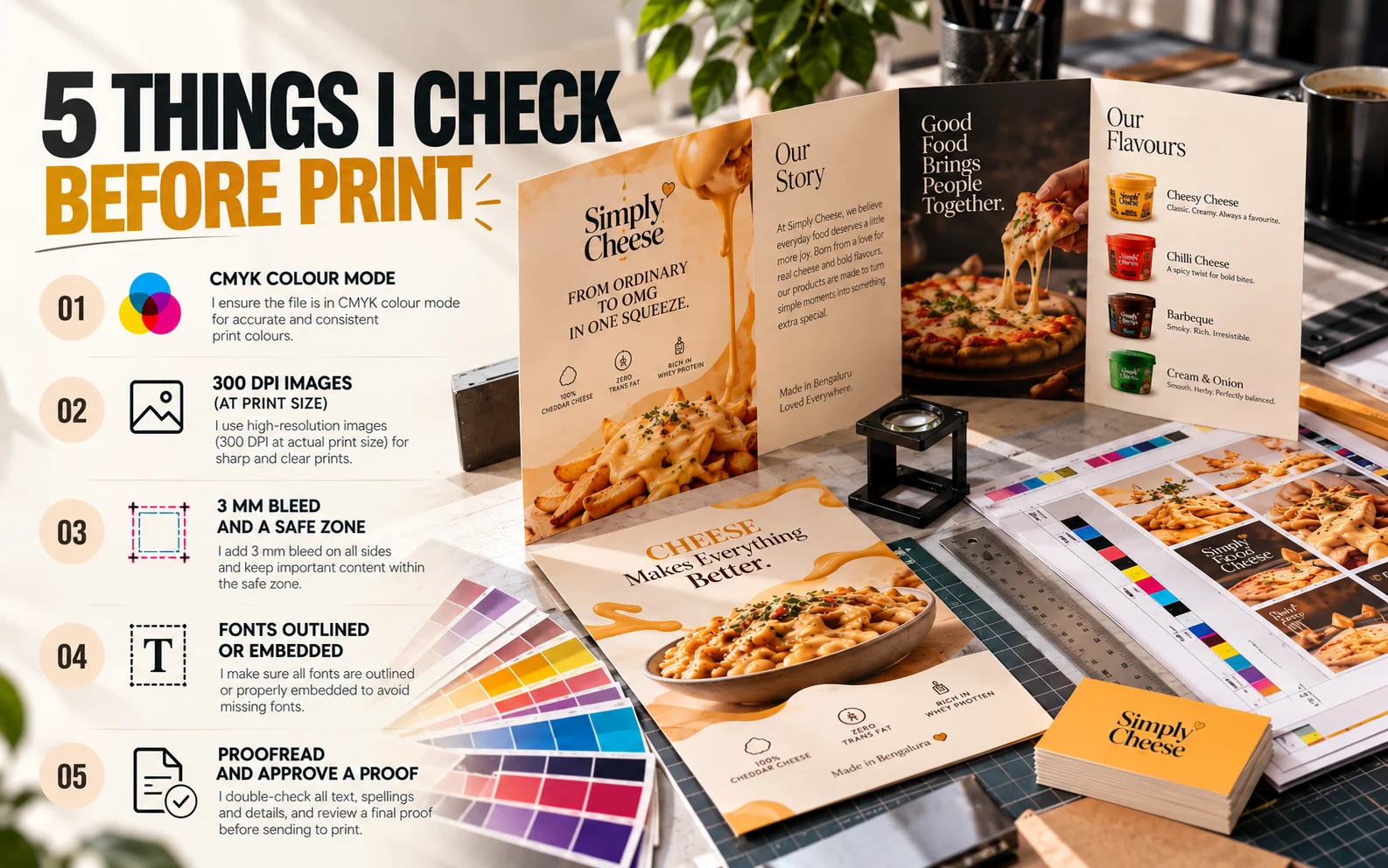
1. Is the file in CMYK, not RGB?
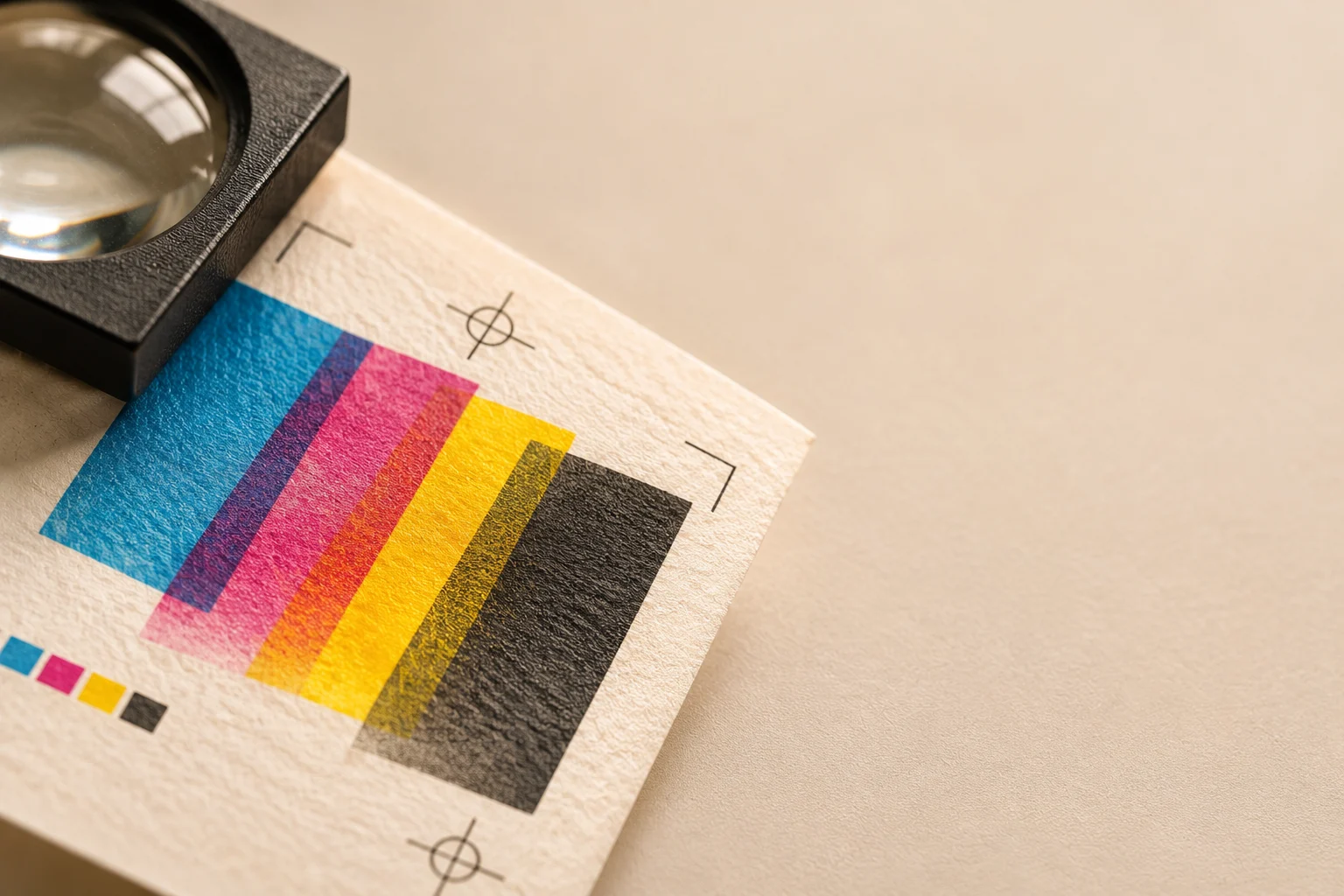
Screens show colour in RGB (light). Printers use CMYK (ink). If you send an RGB file, the printer converts it — and bright blues, greens and oranges often come out dull.
What I do: I set the document to CMYK from the start, and if a client has brand colours, I check their CMYK or Pantone values instead of guessing from the screen.
2. Are images high-resolution enough?
An image that looks sharp on a phone can print blurry. For close-up prints like brochures, cards and packaging, images should be 300 DPI at actual print size.
Large-format prints like flex banners are viewed from a distance, so a lower resolution is usually fine — but I always check with the printer first.
What I do: I never upscale a small image and hope for the best. If the client only has a low-quality logo, I recreate it as a vector.
3. Have I added bleed and kept text inside the safe zone?
Printers cut paper in big stacks, and the blade can move by a millimetre or two. Without bleed, you can get thin white edges.
- Bleed: extend background colours and images about 3 mm beyond the trim line.
- Safe zone: keep important text and logos at least 3–5 mm inside the trim line, so nothing gets cut off.
What I do: I set bleed and margins in the document before I start designing — not at the end.
4. Are fonts outlined or embedded?
If the printer doesn't have your font, their software swaps it for a default one — and your layout breaks.
What I do: I either convert text to outlines (curves) or export a PDF with all fonts embedded. I also keep an editable copy for myself, because outlined text can't be changed later.
5. Have I proofread — and checked a real proof?
The most common print mistake isn't technical. It's a wrong phone number, a spelling error or an old date.
What I do:
- Read every word slowly, especially numbers, names, emails and prices.
- Ask the client to approve the final file in writing.
- For bigger or repeat jobs, ask the printer for a physical or digital proof before the full run.
The short version
Before you hit send, check:
- CMYK colour mode
- 300 DPI images (at print size)
- 3 mm bleed and a safe zone
- Fonts outlined or embedded
- Proofread and approve a proof
It takes ten minutes — and it can save you a full reprint.
Have a print project coming up? Let's talk.